
Case Study · In-house product
Limber: making room for movement
A native iPhone app designed to help people take a few minutes each day to move, stretch, and feel better.
Live on the App Store
- Product
- Stretching & mobility
- Platform
- Native iPhone app · SwiftUI
- Our role
- Ideation through deployment
The challenge
A small intention needs an easy first step.
A small intention can be surprisingly difficult to fit into a busy day. Stretching asks people to find a moment, decide what to do, and get started. Repeating it tomorrow adds another challenge.
We built Limber around a simple question: how could we make those few minutes easier to begin—and give people something to return to?
That question became the product brief. We wanted a small daily commitment, clear guidance during each session, and a visible sense of progress over time.
The idea
Make the first step small.
Guide the experience.
Make progress visible.
Limber brings short stretching and mobility routines into a structured, playful experience. Users follow a clear starting path, move through guided sessions, and see their effort reflected in their progress.
The product experience
Three decisions that shaped Limber
We shaped the interface and progression together, so the experience carries the same intention from finding a routine to seeing what comes next.
01
Make starting feel manageable
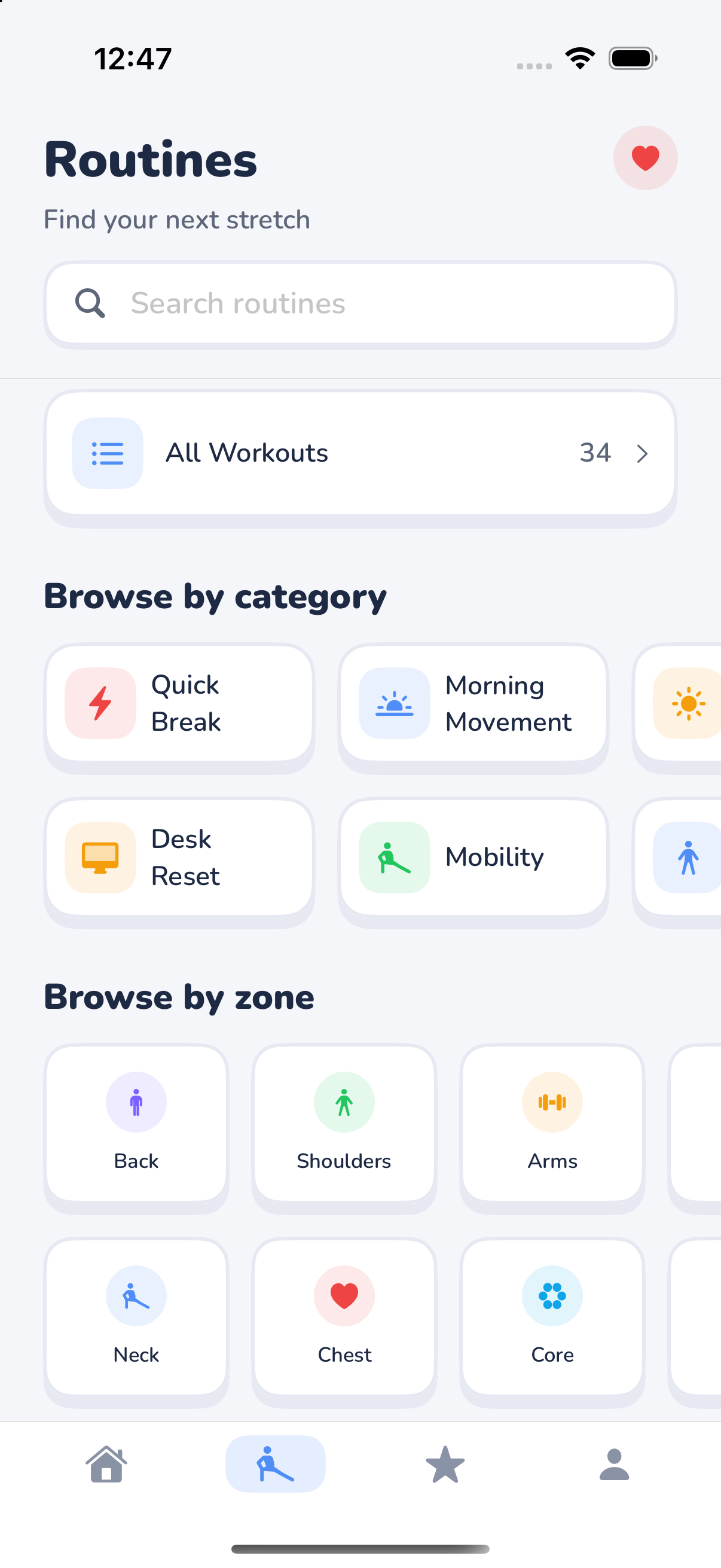
Short routines keep the time commitment small. The Quick Start path gives new users a defined introduction, while the routine browser organizes discovery around categories and body focus zones.
02
Guide the moment of movement
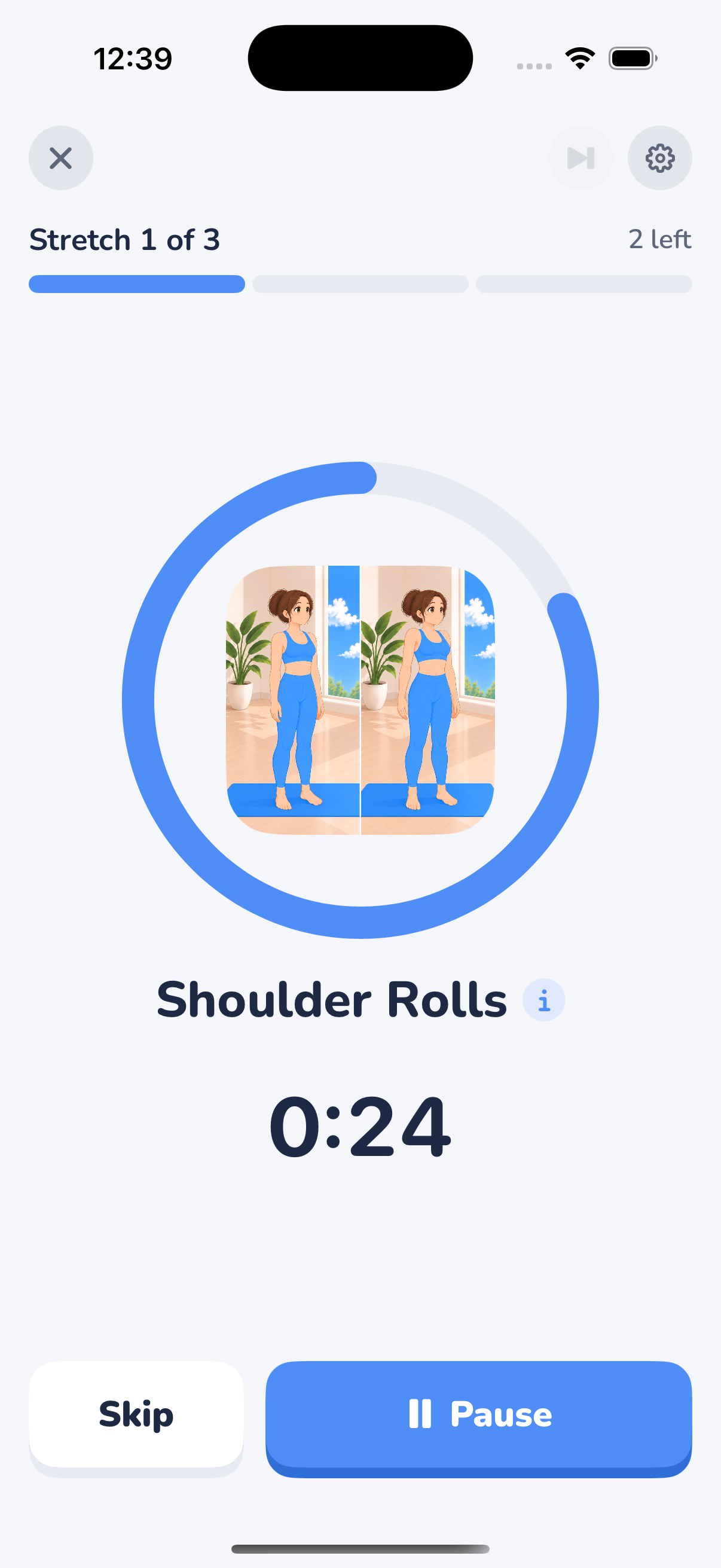
The workout screen brings movement imagery, a prominent timer, and session progress into one view. Pause and skip controls stay easy to reach, giving people control while they stretch.
03
Make progress visible
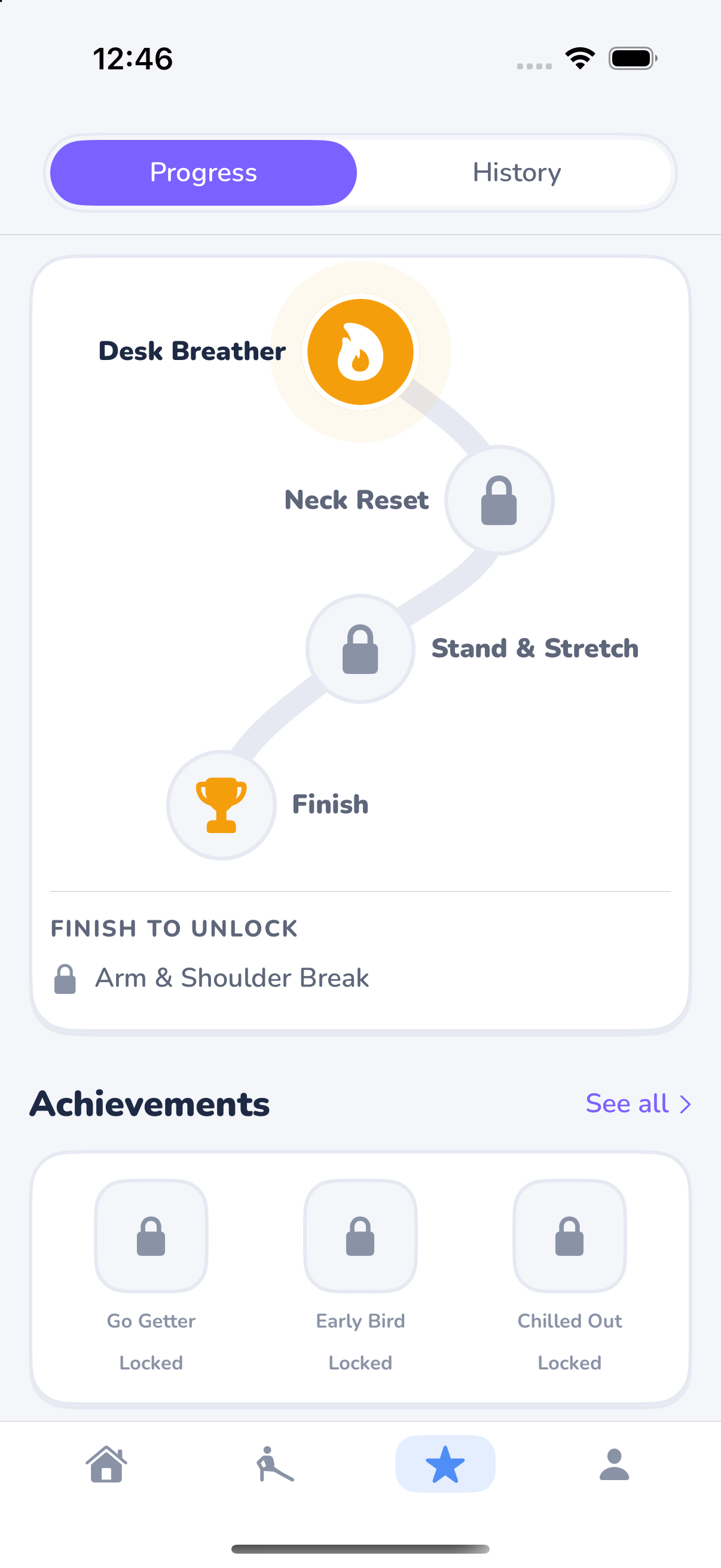
Paths give each routine a place in a larger journey. Streaks, XP, and daily goals are designed to encourage returning, supported by a friendly visual identity that carries through the app.
Behind the experience
Care behind the screens
The work extended beyond the interface. We built the systems that manage accounts, progression, subscriptions, and completed sessions, with attention to what happens when a connection fails or a workout is interrupted.
A consistent foundation for progress
The backend manages rewards, routine unlocks, and access rules. The native app presents the results, keeping the product's progression system grounded in one shared set of rules.
Care for completed effort
When a workout completion cannot reach the server, the app saves it on the device for another attempt. Retry handling is built to avoid awarding the same completion twice.
Subscriptions woven into the product
Two free paths form a defined introduction before the subscription boundary. Account and subscription systems connect that experience to the routines and progression available to each user.
Built with SwiftUI, a TypeScript backend, Supabase, and RevenueCat.
From need to finished product
One team, the complete journey
Little App Haus handled the complete product, from the original idea through design, development, and deployment. Each part was shaped around the same goal: making a few minutes of daily movement feel manageable.
Limber is now live on the App Store—an original product taken from an everyday need to a finished native iPhone experience.
Explore the published app (opens in a new tab)- Ideation and product strategy
- Visual and interaction design
- Native SwiftUI development
- Backend and progression systems
- Content, accounts, and subscriptions
- Testing, deployment, and App Store release